For walk-in restaurants
Your waiting list,on every guest’s phone.
They join with a QR code at the door, say how many they are and go for a drink: you alert them when their table is ready. No notebook of names, no pagers to charge every night and no crowd blocking the entrance.
- Asks for the party size
- No app, no pagers
- Free plan forever
A notebook won’t fix the rush hour
The door, blocked
Groups standing at the entrance, in the way of the waiters and of the guests leaving.
Someone off the floor taking names
They stop serving to write names down, shout “Martínez, party of four!” and cross out the ones who got tired of waiting.
The table of four that walks away
Not knowing how long it will be, the group heads to the place next door. And you almost had that table ready.
How it works in your restaurant
A QR code at the door and the floor phone or tablet. That’s all.
- 1
They join with the QR code
They scan the QR code at the entrance, say how many they are and get their number on the phone.
- 2
They wait wherever they like
At the bar, on the terrace or out for a walk. Their phone shows how many parties are ahead.
- 3
You alert them when a table is free
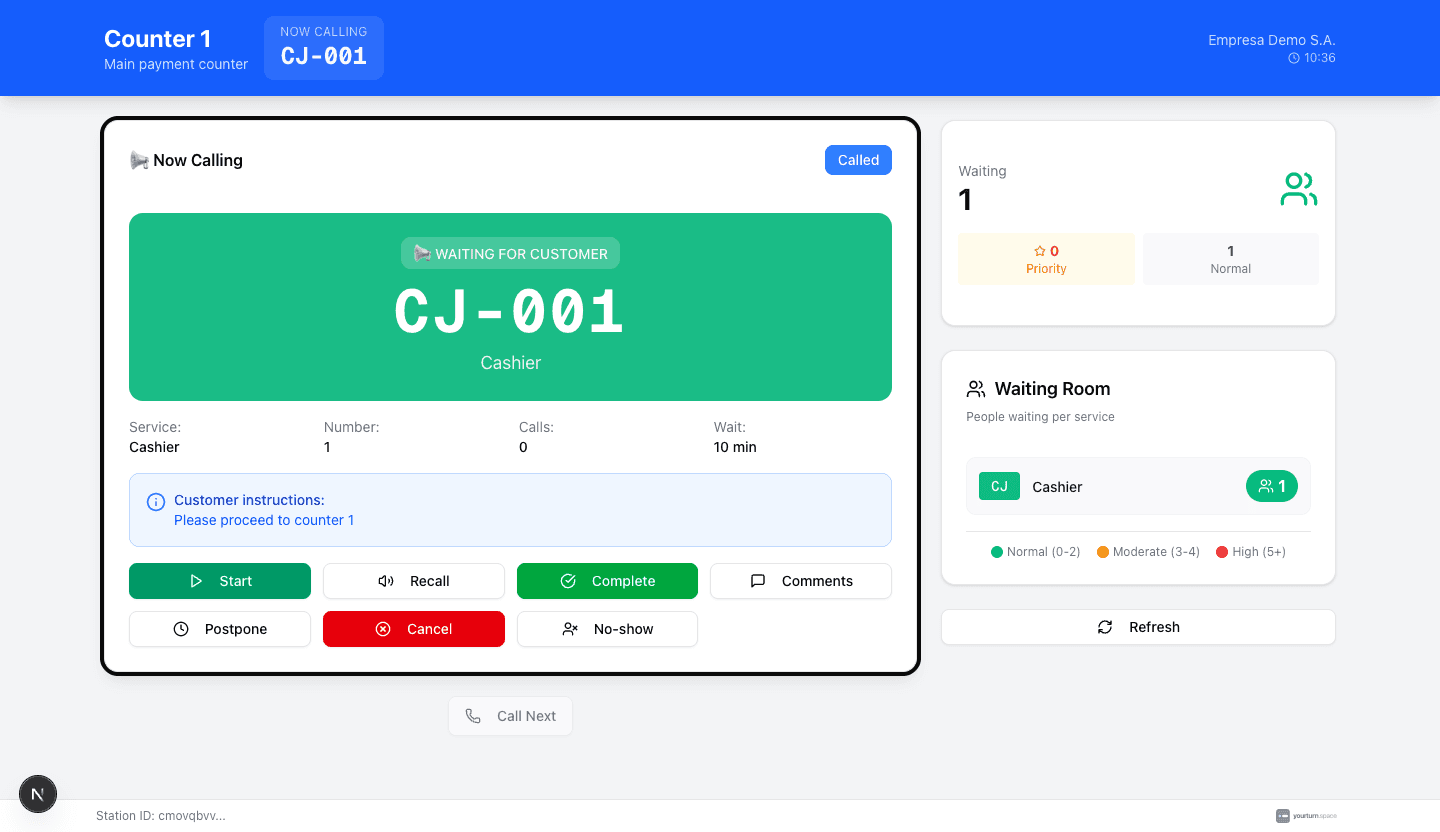
The queue shows the party size of each ticket. Call the party that fits the free table and their phone rings.
Made for the dining room, not an office
Just what you need to run the waiting list without stopping service.
Party size
Turn on “restaurant mode” for the service and each guest says how many they are when joining. You see it on every ticket in the queue.
Seat the party that fits
The panel’s queue shows the party size of each ticket. If a table for two frees up, call the couple even if they aren’t first on the list.
Phone alerts, no pagers
Nothing to hand out, collect, charge or disinfect. The alert reaches the phone the guest already has in their pocket.
No-shows in one tap
Not showing up? Call them again or mark them as absent and move on to the next one.
Close the list on time
With a daily ticket limit, the QR code stops adding people once the cap is reached. And outside opening hours it closes itself.
From the manager’s phone
The panel and the floor console work on any phone or tablet with a browser. Nothing to install.
Ready before the next service
- 1Create a service (“Table”, for example) and turn on restaurant mode to ask for the party size.
- 2Set your opening hours: outside them, the QR code adds nobody.
- 3Print the online kiosk’s QR code and put it at the door and on the bar.
- 4Open the floor console on the manager’s phone or tablet.
Which plan do you need?
A waiting list run by one manager works on the free plan, with up to 500 tickets a month. If you seat more people or want separate lists (dining room and terrace, or tables and pickup), Starter (€19/month) gives you 3,000 tickets, 3 services and 2 desks, without the yourturn.space branding and ads.
See all plansWould you rather have it set up for you?
An installer near you sets up the screen, the tablet or the printer and hands you a working system.
Frequently asked questions
Do my customers need to download an app?+
No. They scan the QR code with their phone camera and the ticket opens in the browser. If they turn on alerts, they get a notification when you call them, even with the screen closed.
Can I seat a couple first if a table for two frees up?+
Yes. The queue shows the party size of each ticket and you can call the party that fits the table, even if they are not first.
What if they don’t come when I call them?+
You can call them again or mark them as absent and move on to the next party.
Does it work for takeaway?+
Yes. Create a pickup service without asking for the party size and alert the phone when the order is ready. With two services (tables and pickup) you need the Starter plan.
How much does it cost?+
There is a free plan forever, no card needed: 500 tickets a month, 1 service, 1 desk and 1 kiosk, with yourturn.space branding and ads. When you outgrow it, Starter costs €19/month and Pro €59/month. No commitment.
This weekend, no notebook
Create your free account, stick the QR code on the door and try the waiting list at your next service.
Create a free accountNo credit card · No commitment
Run a different kind of business?